Actions
Every gap becomes an action with an owner and a date.
Verkio turns gaps in the risk assessment and technical file into actions with an owner and a date, and reminds you when something is waiting.
What's included
Linked to its source
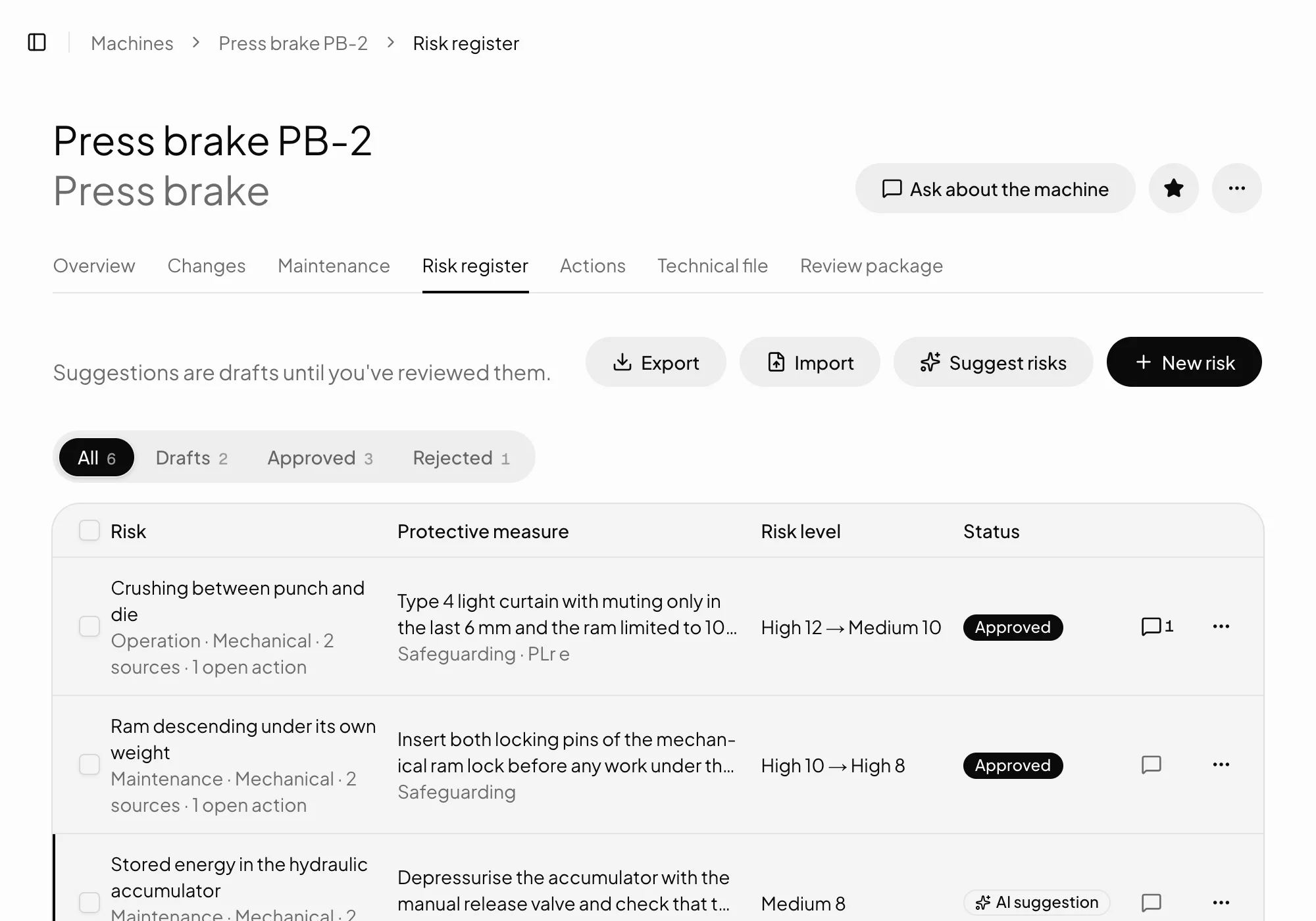
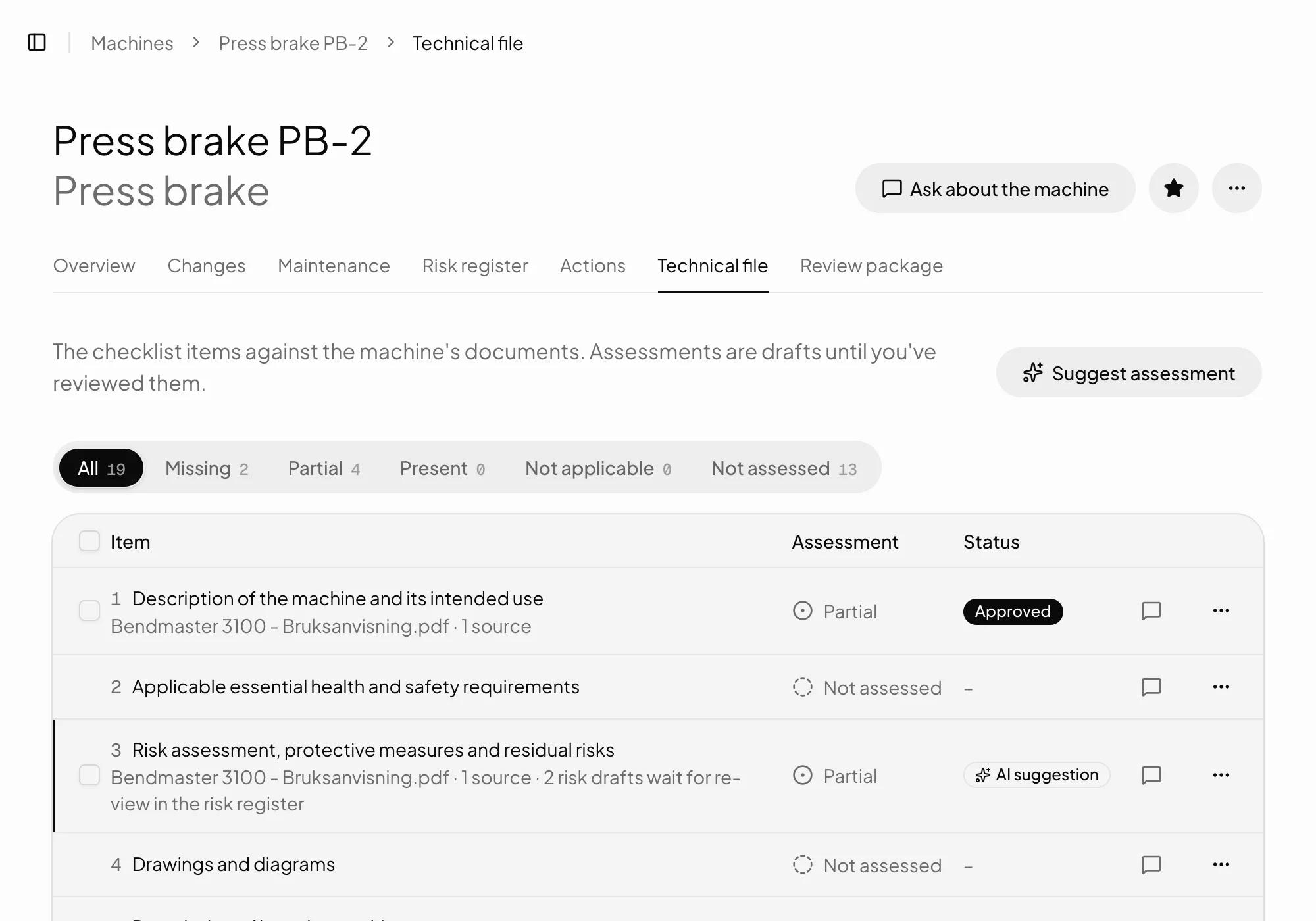
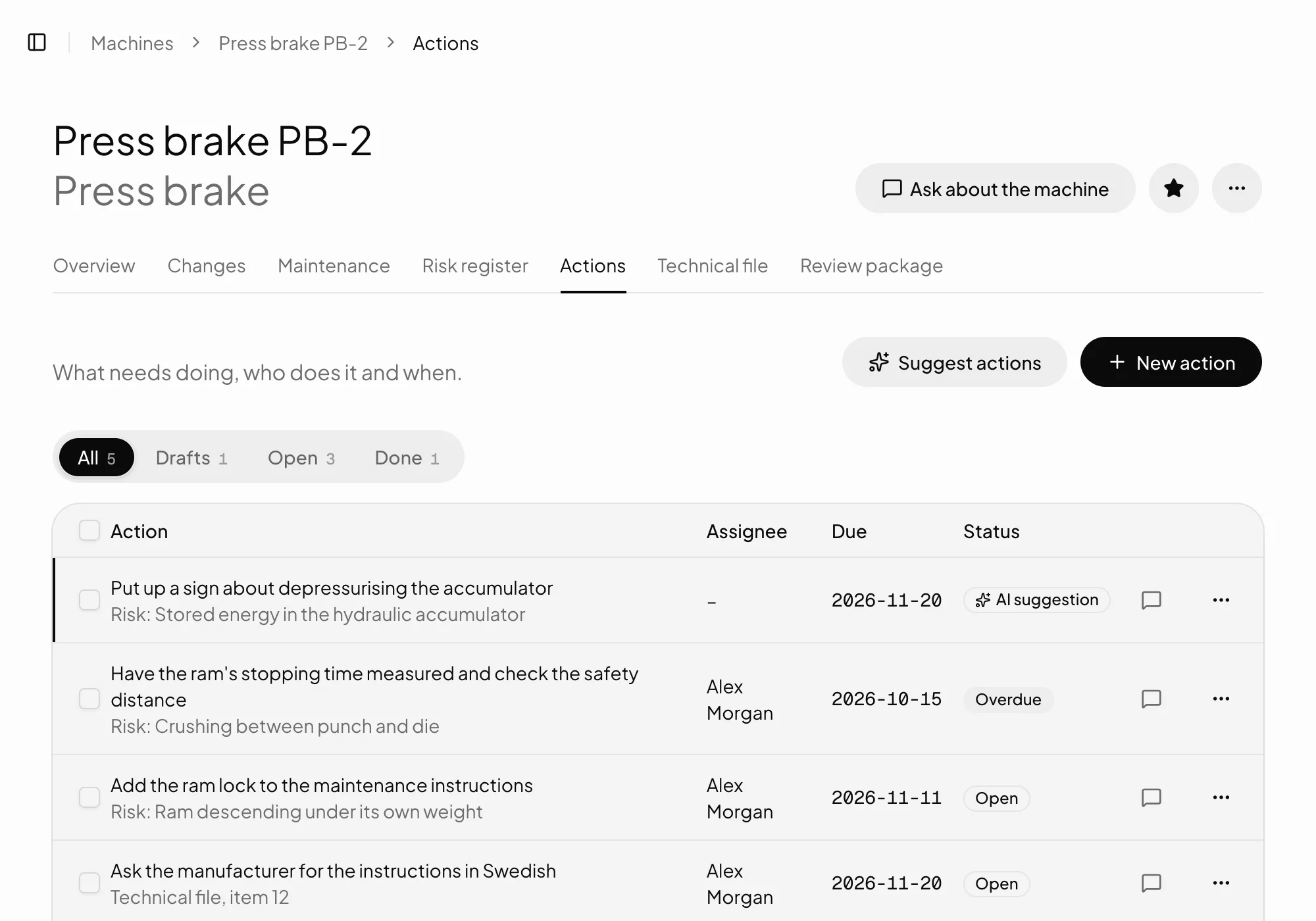
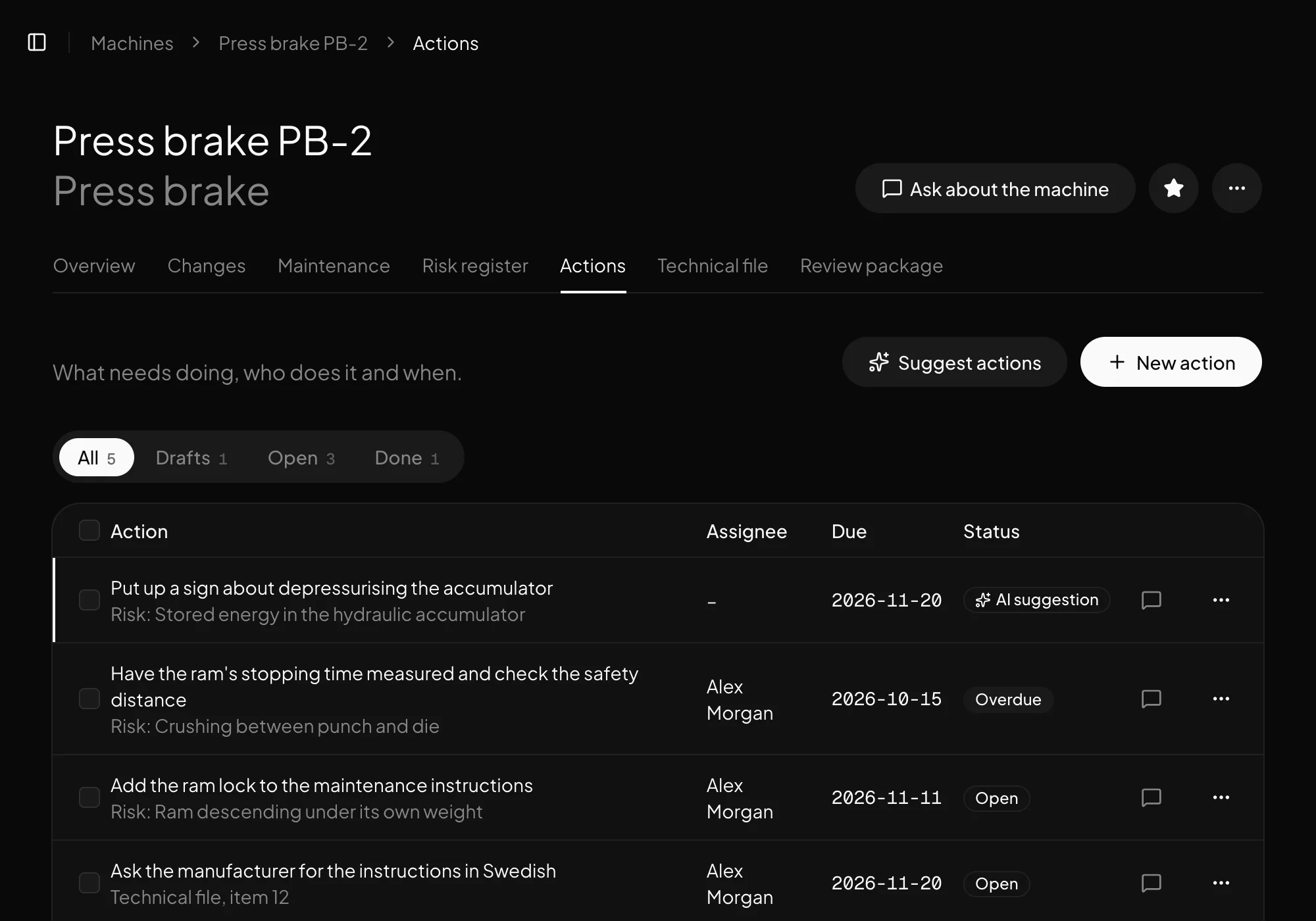
Every action belongs to a hazard or an item in the technical file.
Owner and date
Someone owns every action, and everyone sees when it's due.
Suggestions from the assistant
The assistant suggests actions from the risk register, as drafts for you to review.
Overdue stands out
An action past its date is marked overdue.
To do and reminders
What's waiting for each person gathers under To do.
Comments
Discuss an action where it is, rather than by email.
How it works
From gap to done
01
Gaps become actions
From the risk register or the checklist, suggested by the assistant or written by you.
02
Owner and date
Every action gets an owner and a date, and shows under To do.
03
Done and traceable
When an action is done, it shows in the register and in the review package.
In detail
What you need to know
From gap to action
A hazard without an adequate protective measure, or a missing item in the technical file, becomes an action. It keeps its link to the hazard or item, so it's clear why it exists.
The assistant suggests actions from the risk register as drafts, and you decide which apply.
Ownership and follow-up
Every action has an owner and a date. What's waiting for each person gathers under To do, and an action past its date is marked overdue.
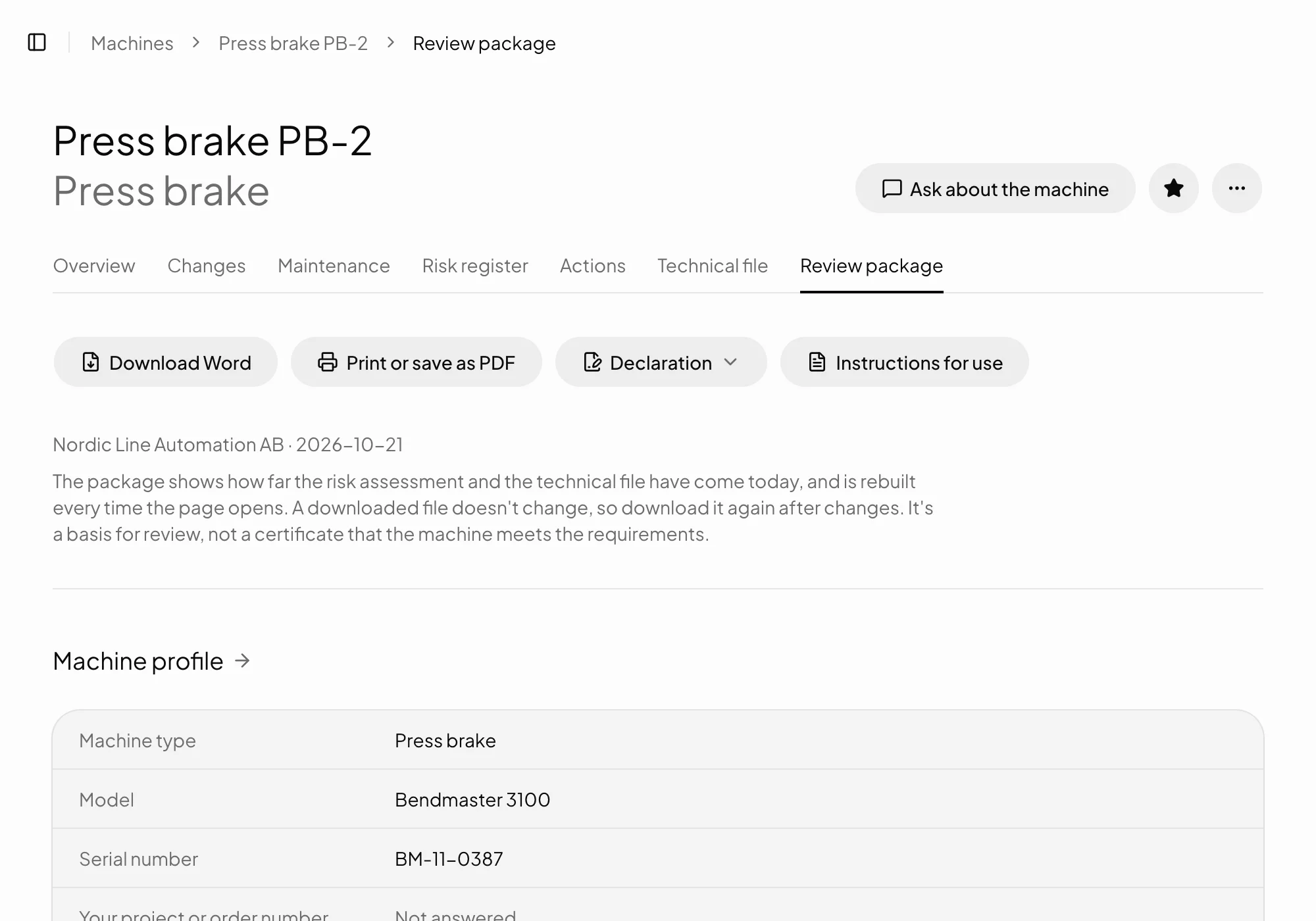
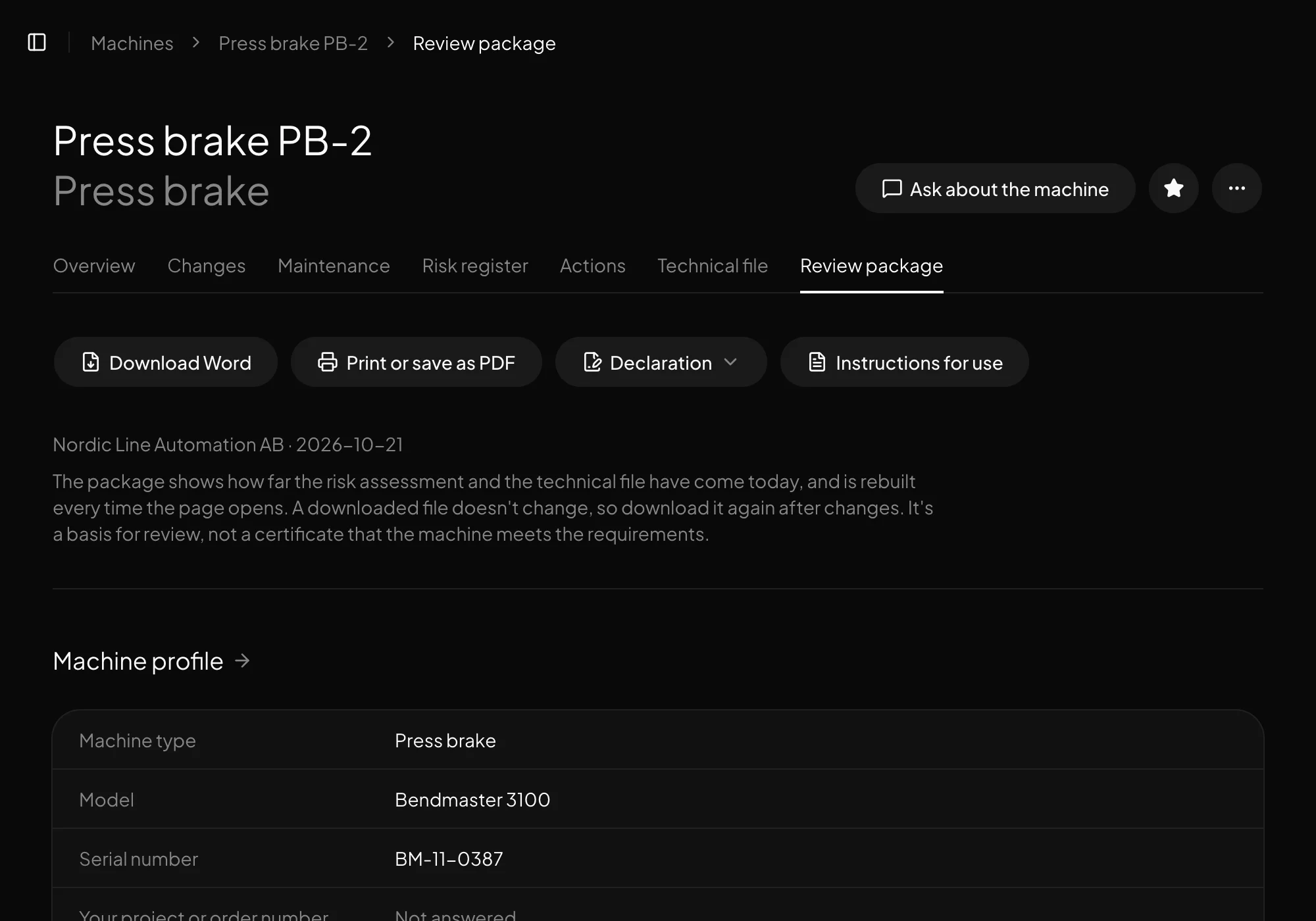
Open actions go into the review package as next steps.
Common questionsWhat people usually ask.
Must every action have an owner?
No, but an action without one shows as such. Set an owner and a date, and it appears under To do.
Can we export the actions?
Open actions are always in the review package, and with Operations the machine list and open actions are available as an Excel file.
Does Verkio remind us about actions?
Yes. What's waiting for you shows under To do, and reminders are included in every plan.
Can we discuss an action?
Yes, in comments on the action, where you can mention colleagues.