CE consultants
All your clients and their machines in one account.
Verkio for machine safety consultants: an organisation per client on your own plan, reviews with the client and review packages with the client's details.
How Verkio helps
For CE consultants
01
An organisation per client
Create an organisation for each client, on your own plan, so their documents stay apart.
02
One account, every client
Switch between your clients' organisations without logging out.
03
Review with the client
Invite the client's people, ask them to review and discuss in comments.
04
Verkio where you already work
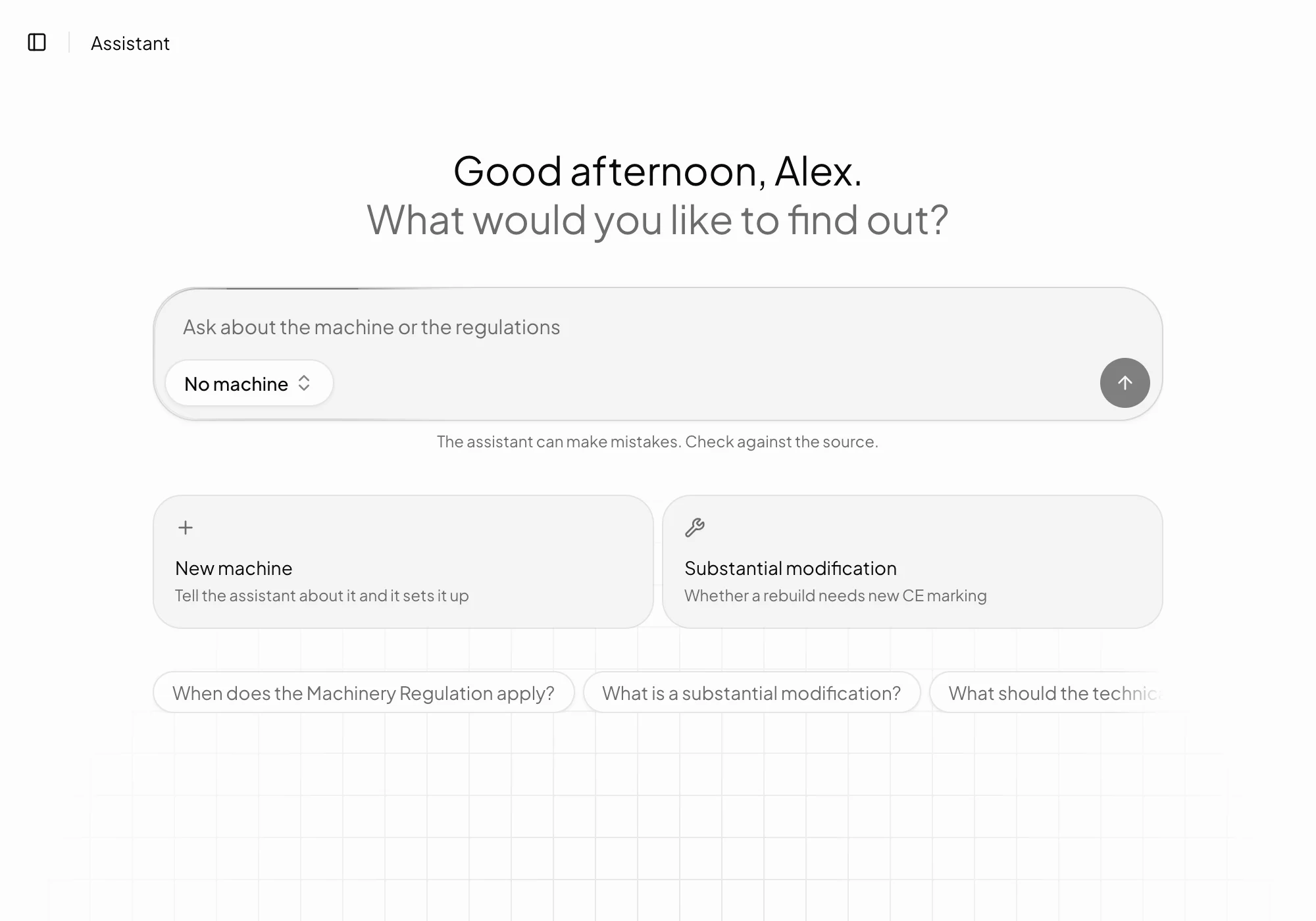
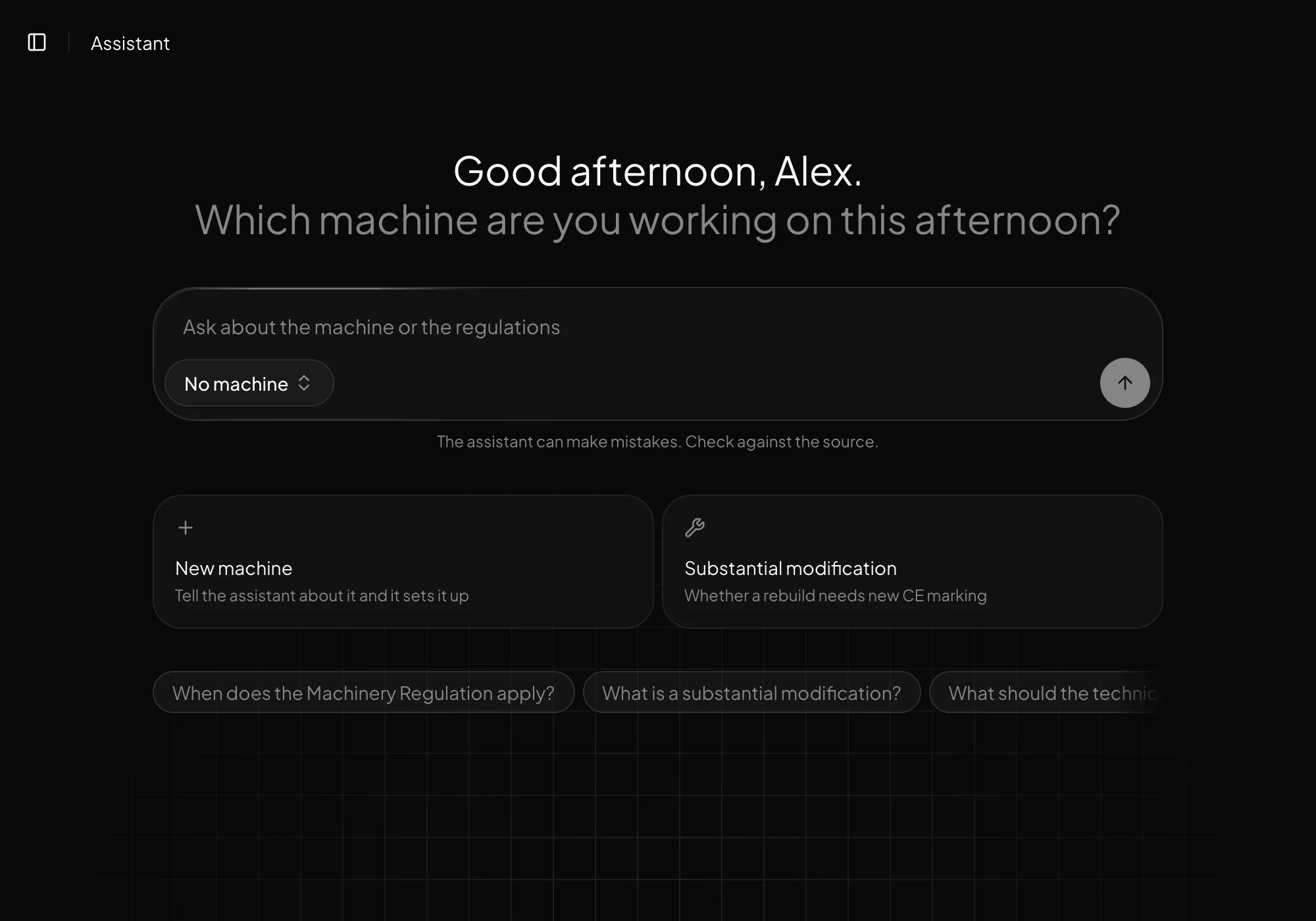
Read and suggest in Claude or ChatGPT through MCP.
In detail
What you need to know
An organisation per client
Each client gets an organisation of its own, with its own machines, documents and members, so their material never mixes. The organisations are on your plan, and the machines count together.
A client sees only their own organisation. If they want a plan of their own later, the organisation can move to one.
Review together
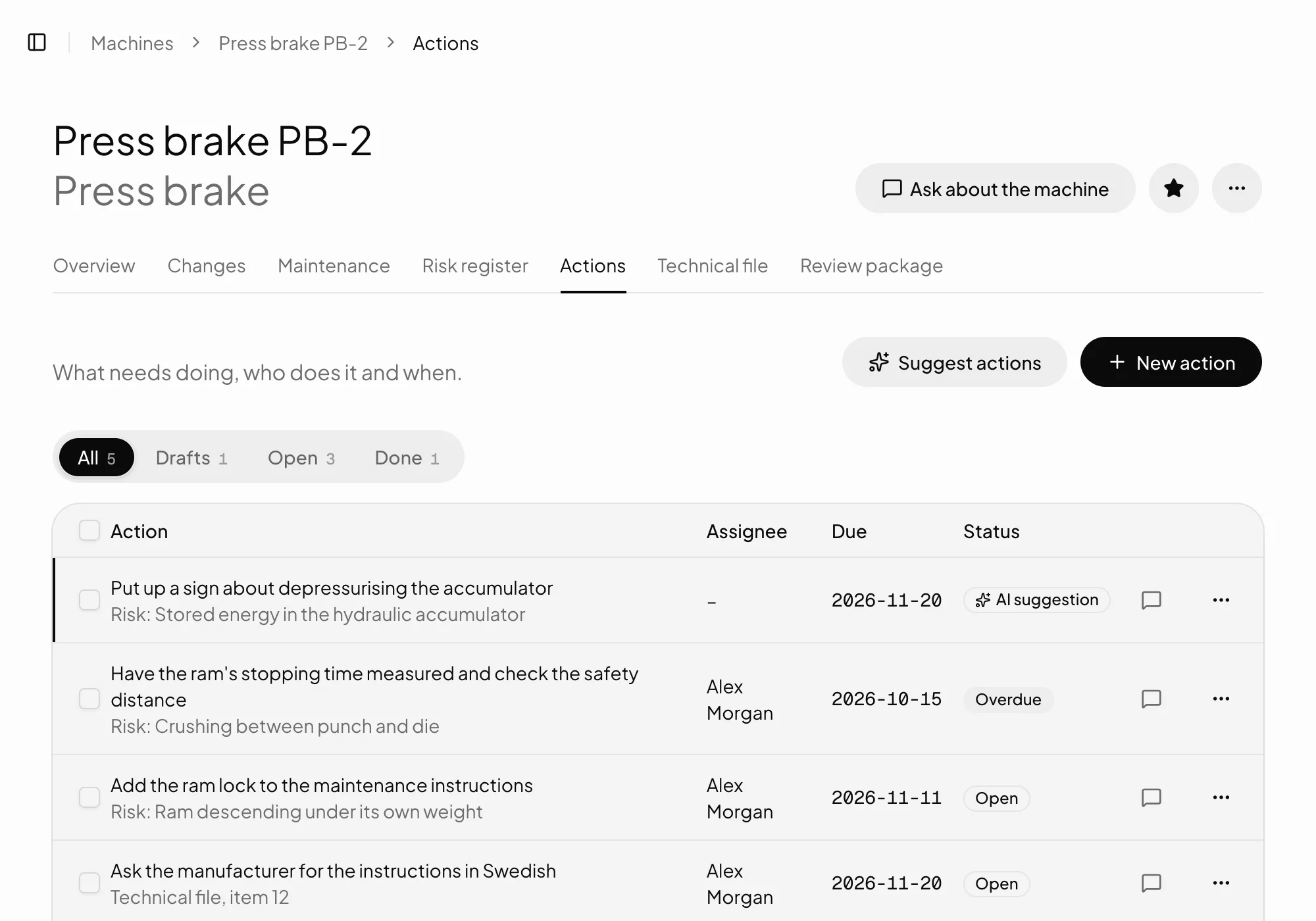
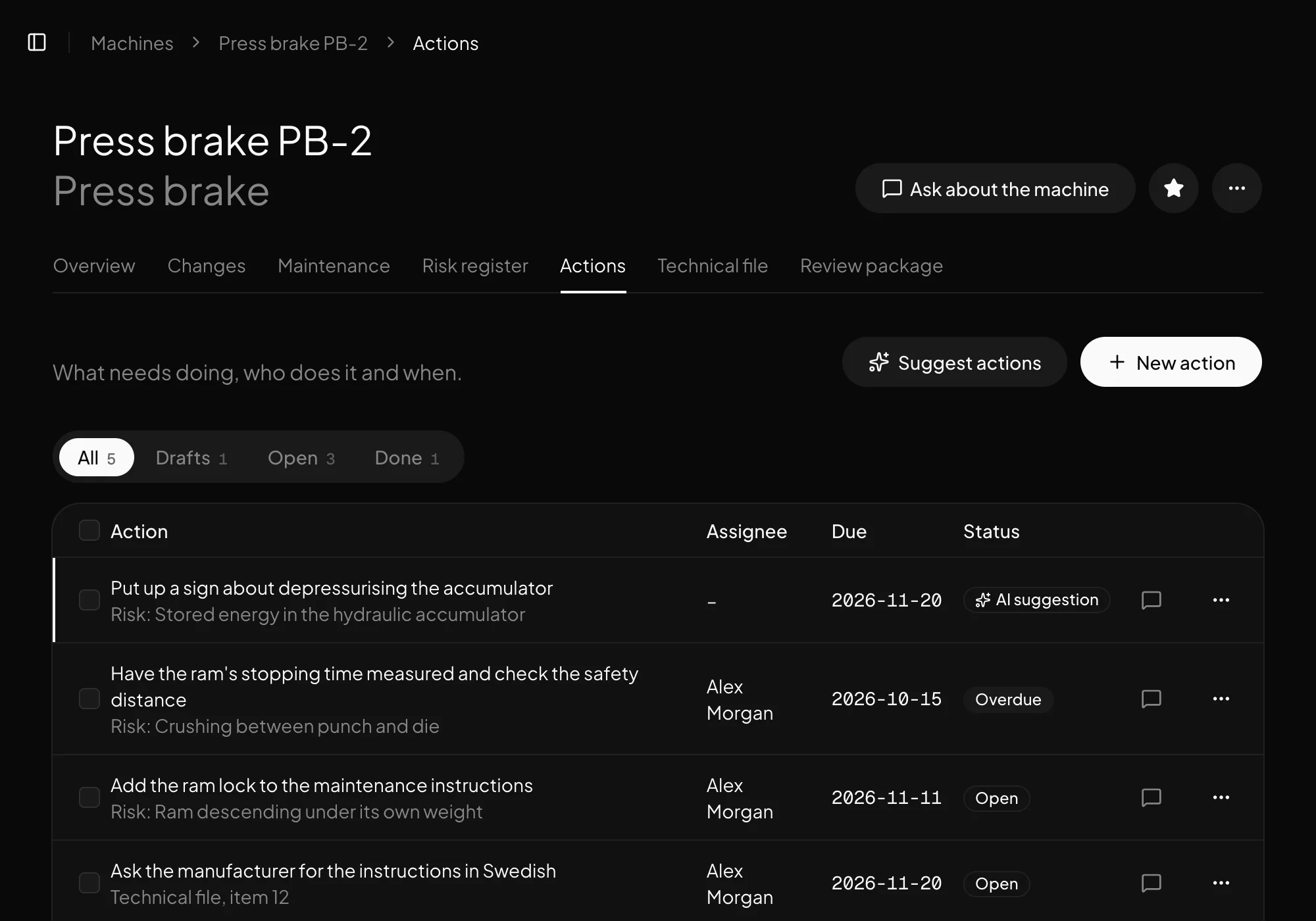
Ask a colleague or the client to review a machine, comment where the question is and gather what's left under To do.
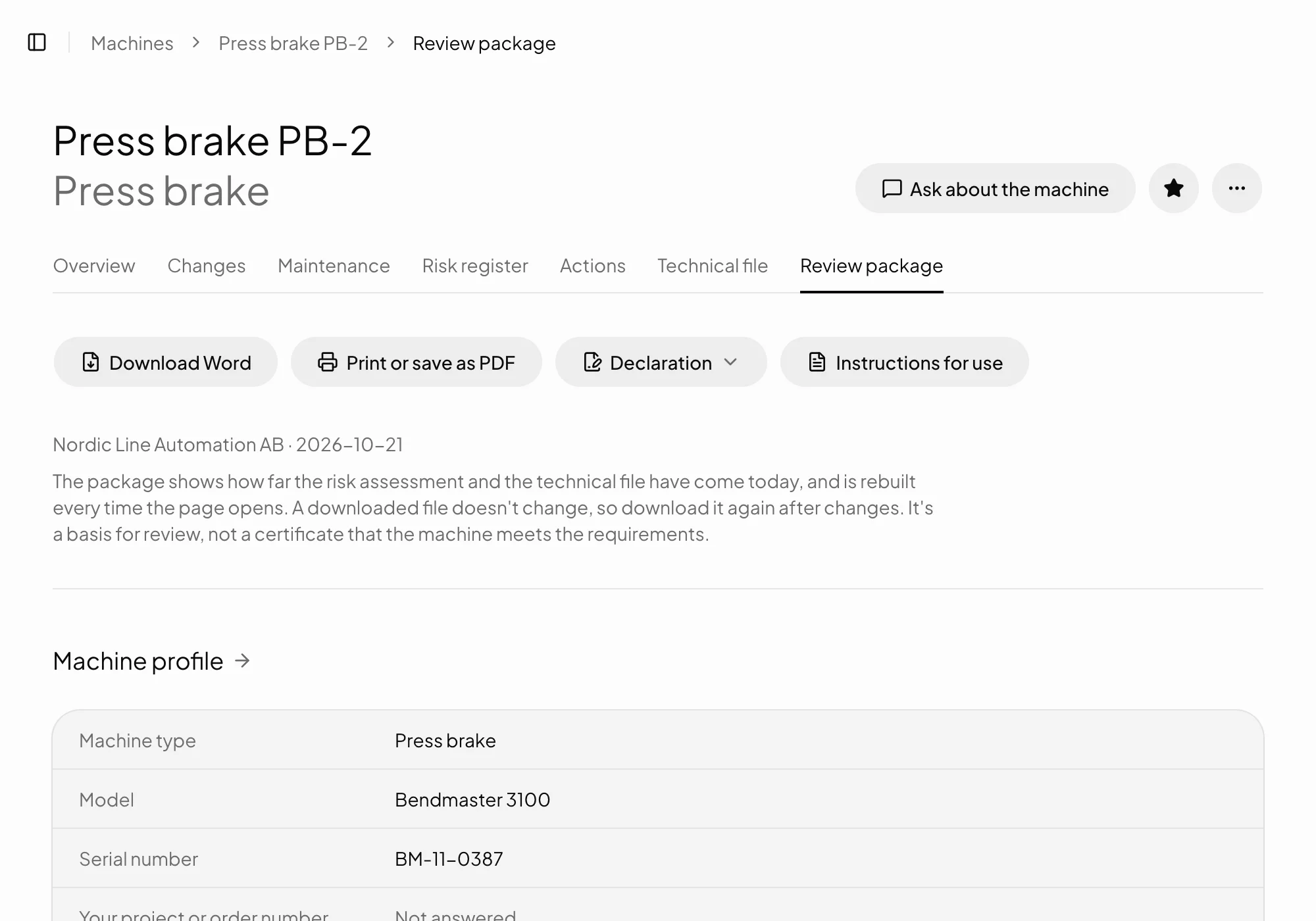
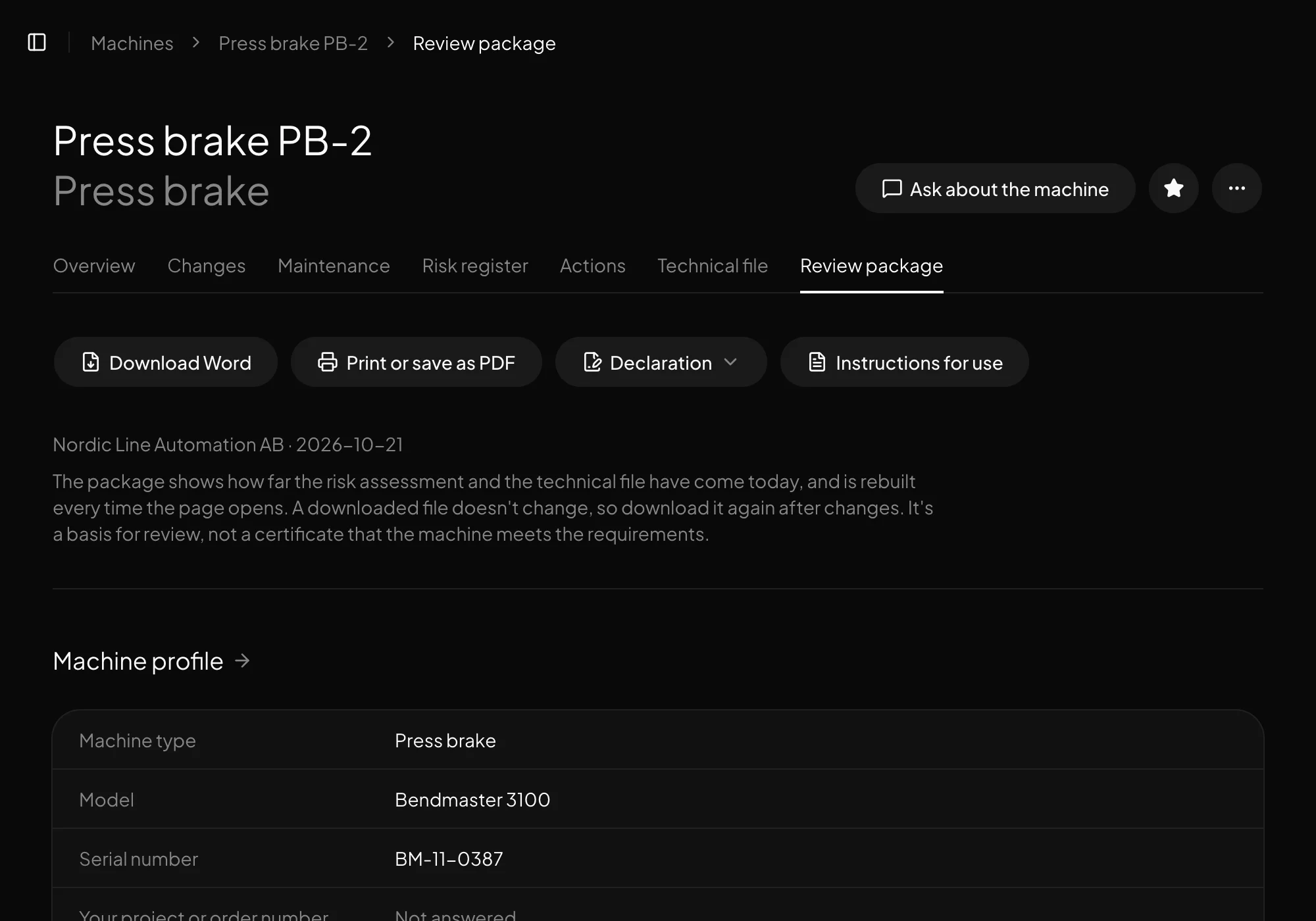
The review package shows where the machine stands, as Word or PDF, with the organisation's details and, from Professional, its logo.
Verkio in your own tools
Through MCP you read and suggest in Verkio from Claude or ChatGPT, with your own permissions. What's written there becomes drafts that a person approves, just as in Verkio.
Plan
Your plan covers every client
Your clients' organisations are on your plan, and their machines count together with yours.
The parts you'll use most
Common questionsWhat people usually ask.
Who pays for the clients' organisations?
You, on your own plan. Your clients' machines count together with yours towards the plan's limit of active machines.
Can clients see each other?
No. Each organisation is kept apart in the database, and a member sees only the organisations they belong to.
Can we use one account with every client?
Yes. One account can belong to several organisations, and you switch between them in the menu.
Can a client take over their organisation?
Yes. Get in touch, and we'll move it to a plan of its own.
Can we start from our own risk assessments?
Yes. Import an existing risk assessment from a spreadsheet, and export the register whenever you like.