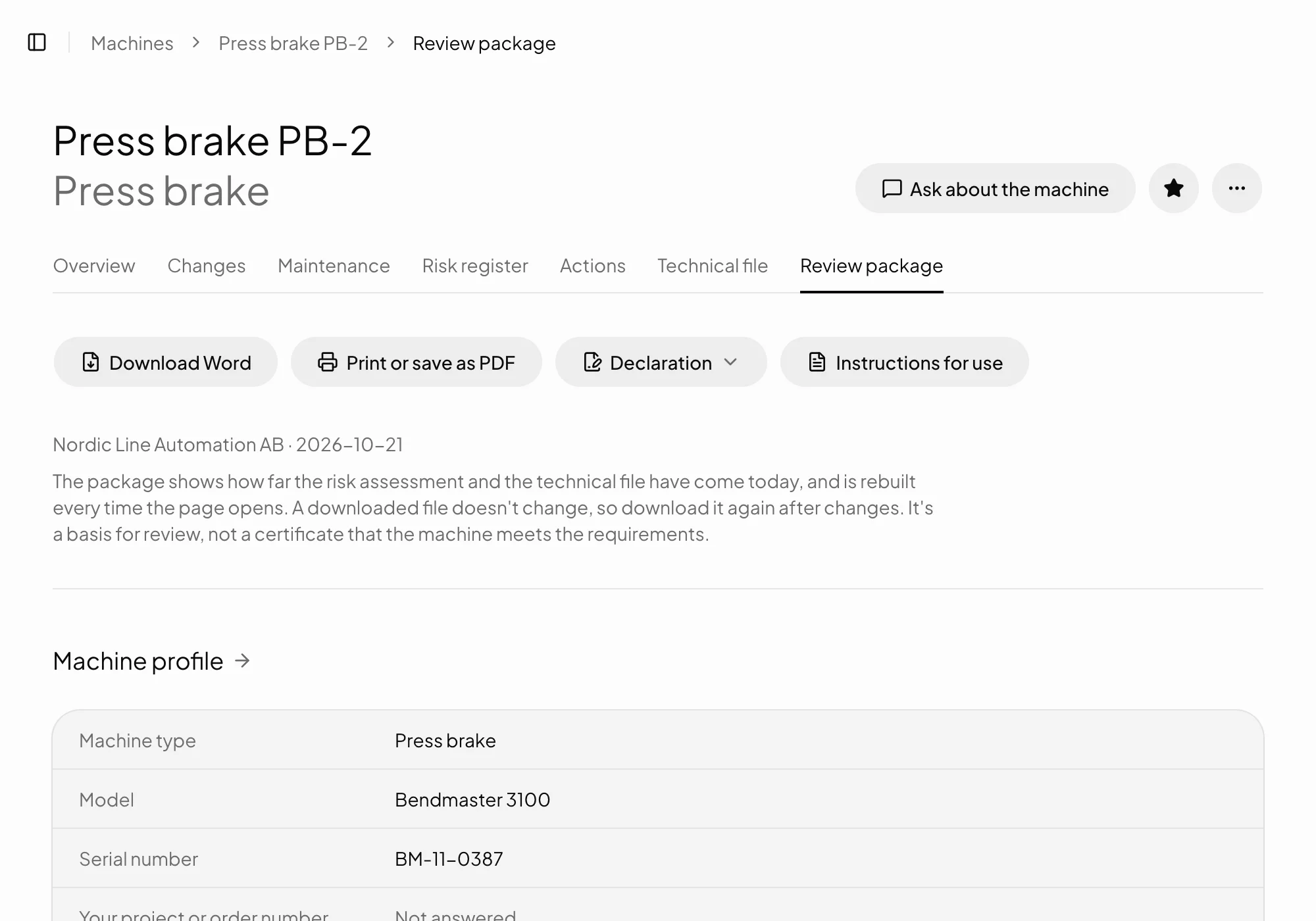
Risk assessment
A risk register to EN ISO 12100, with a source for every hazard.
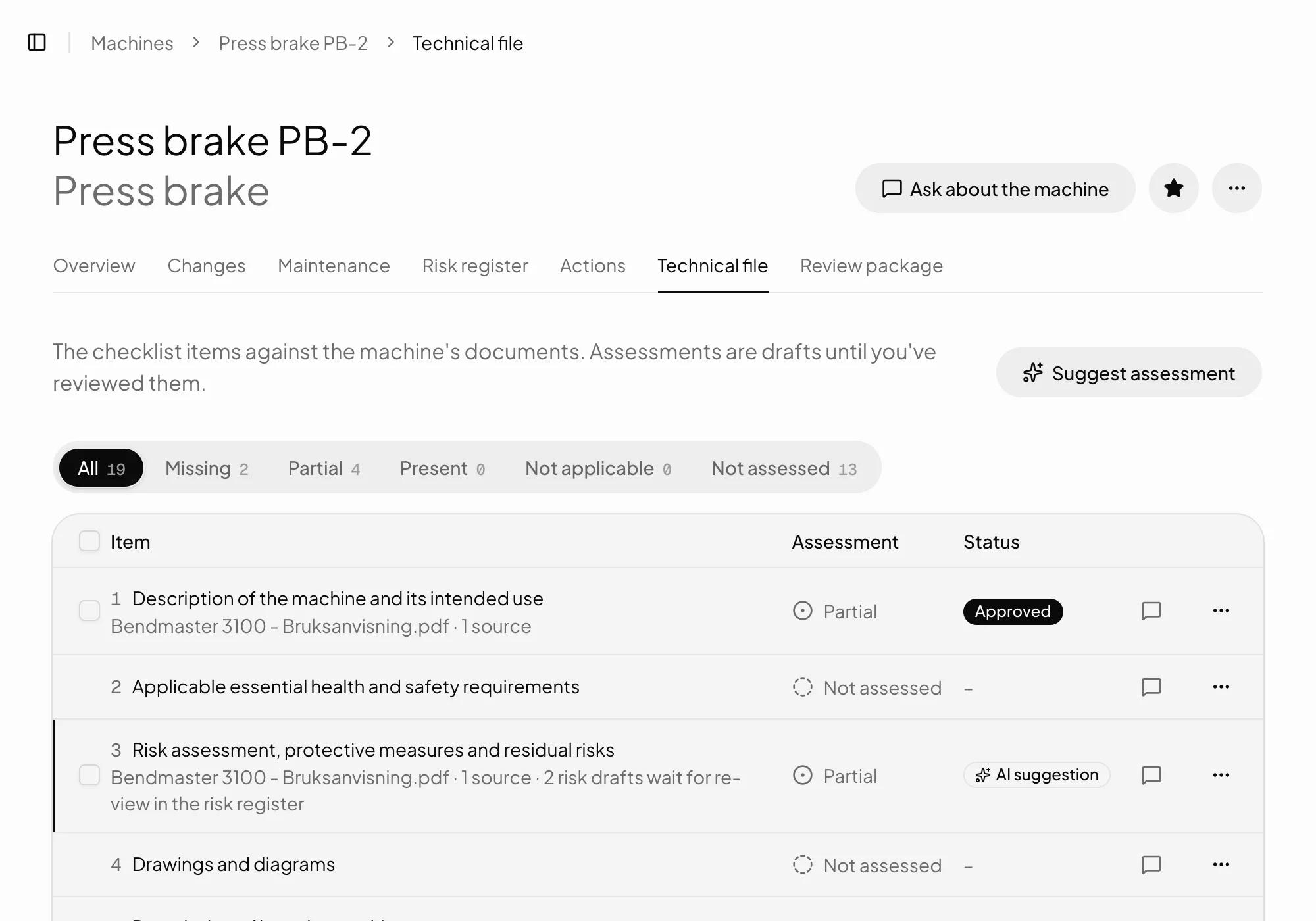
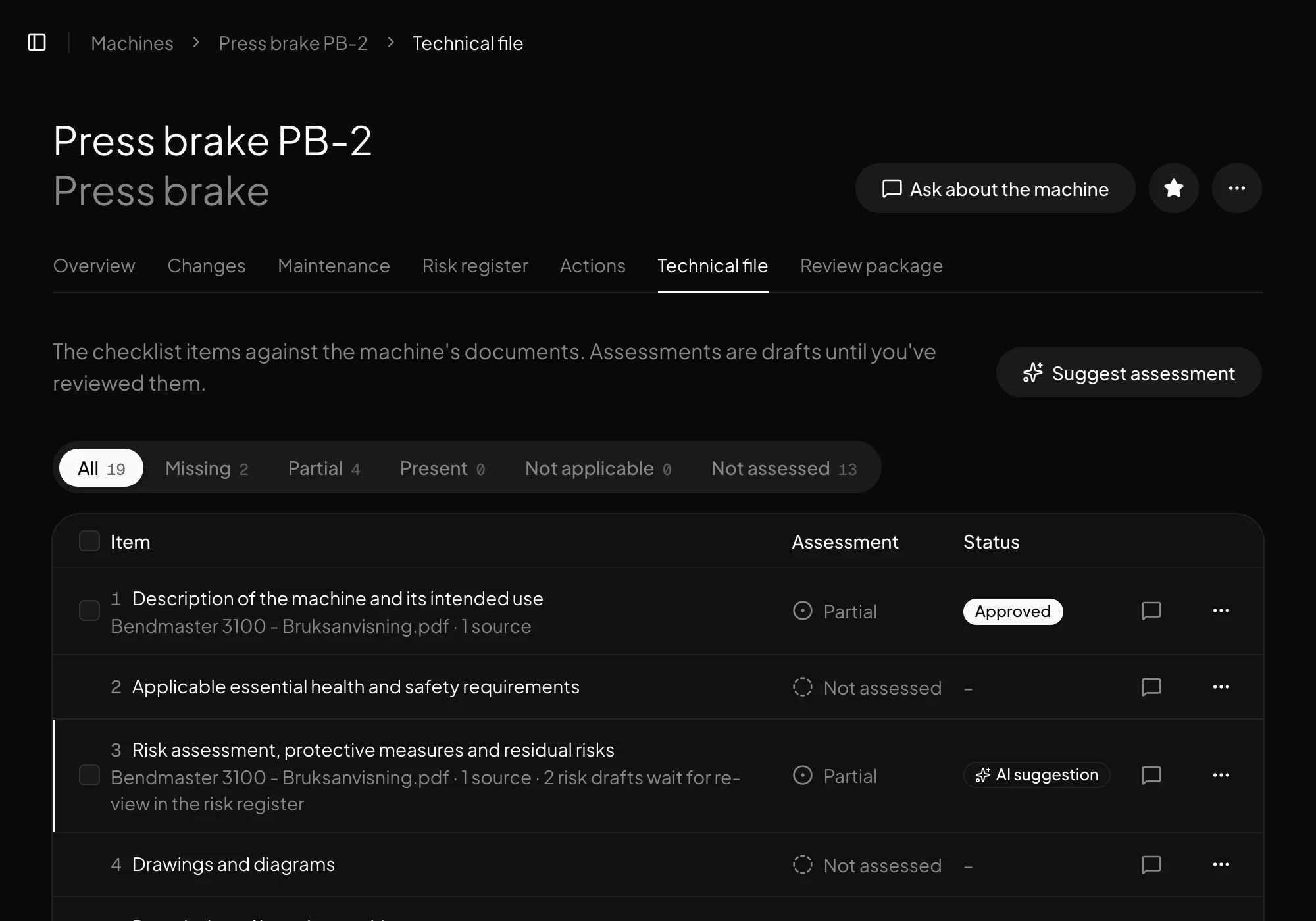
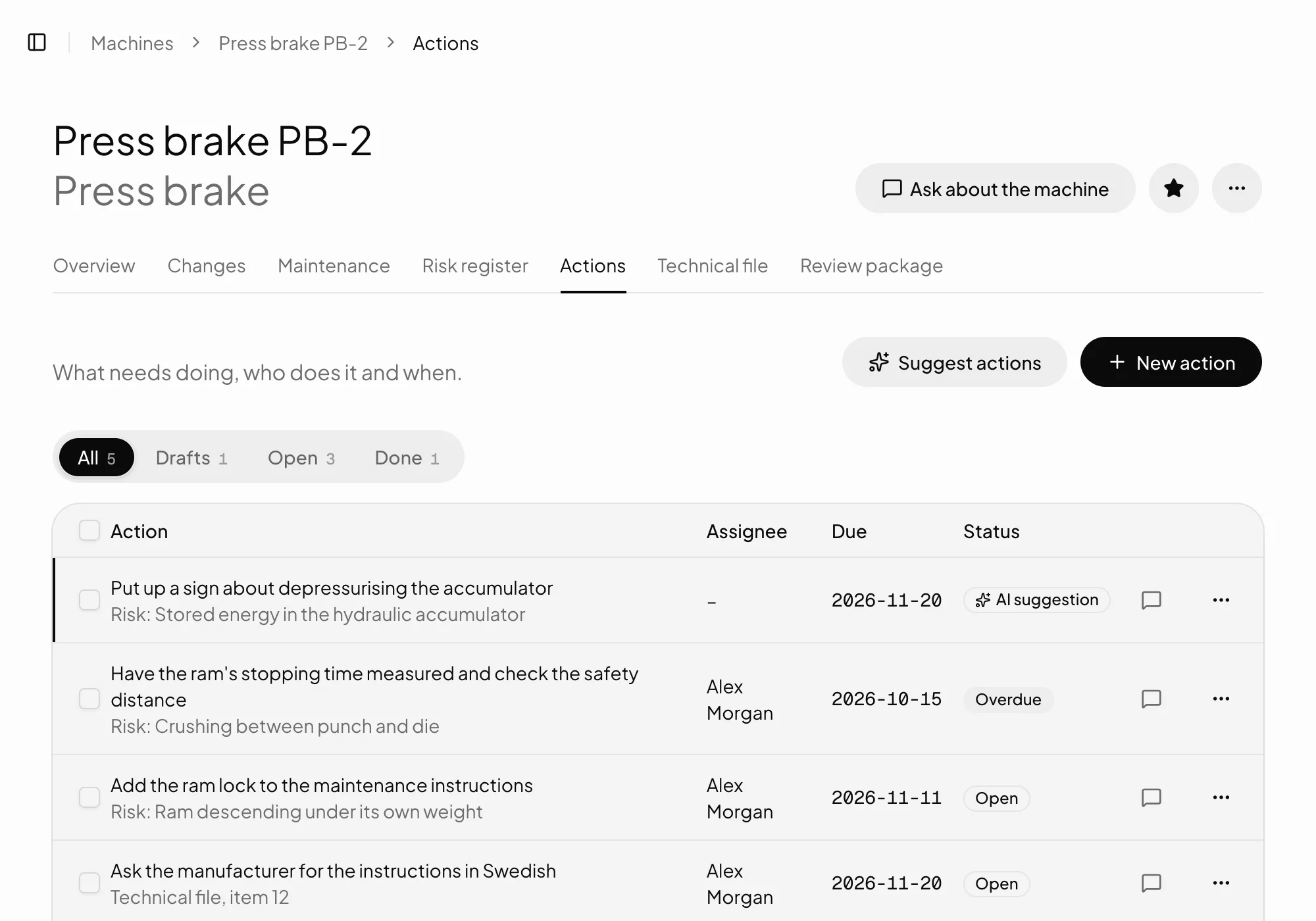
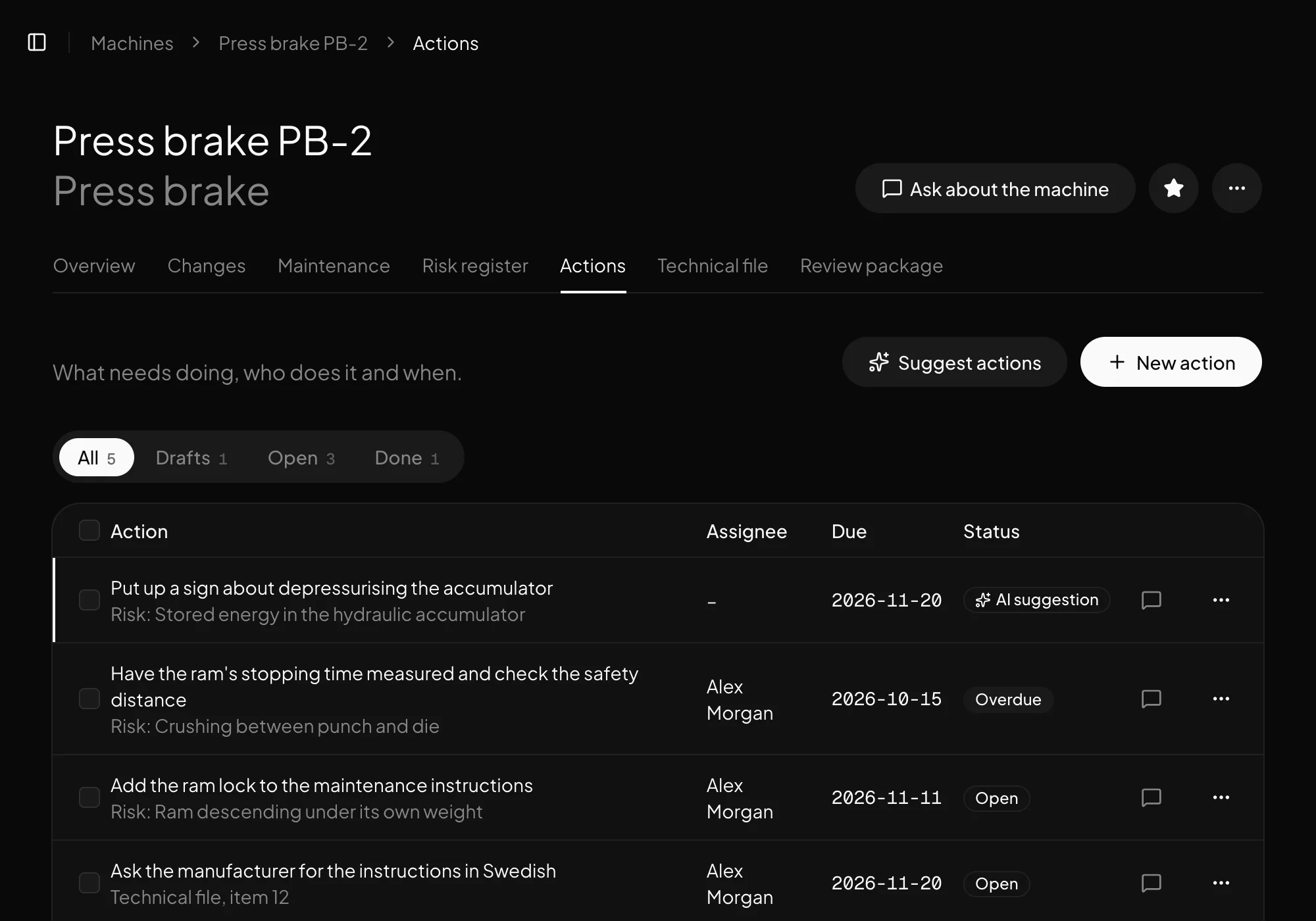
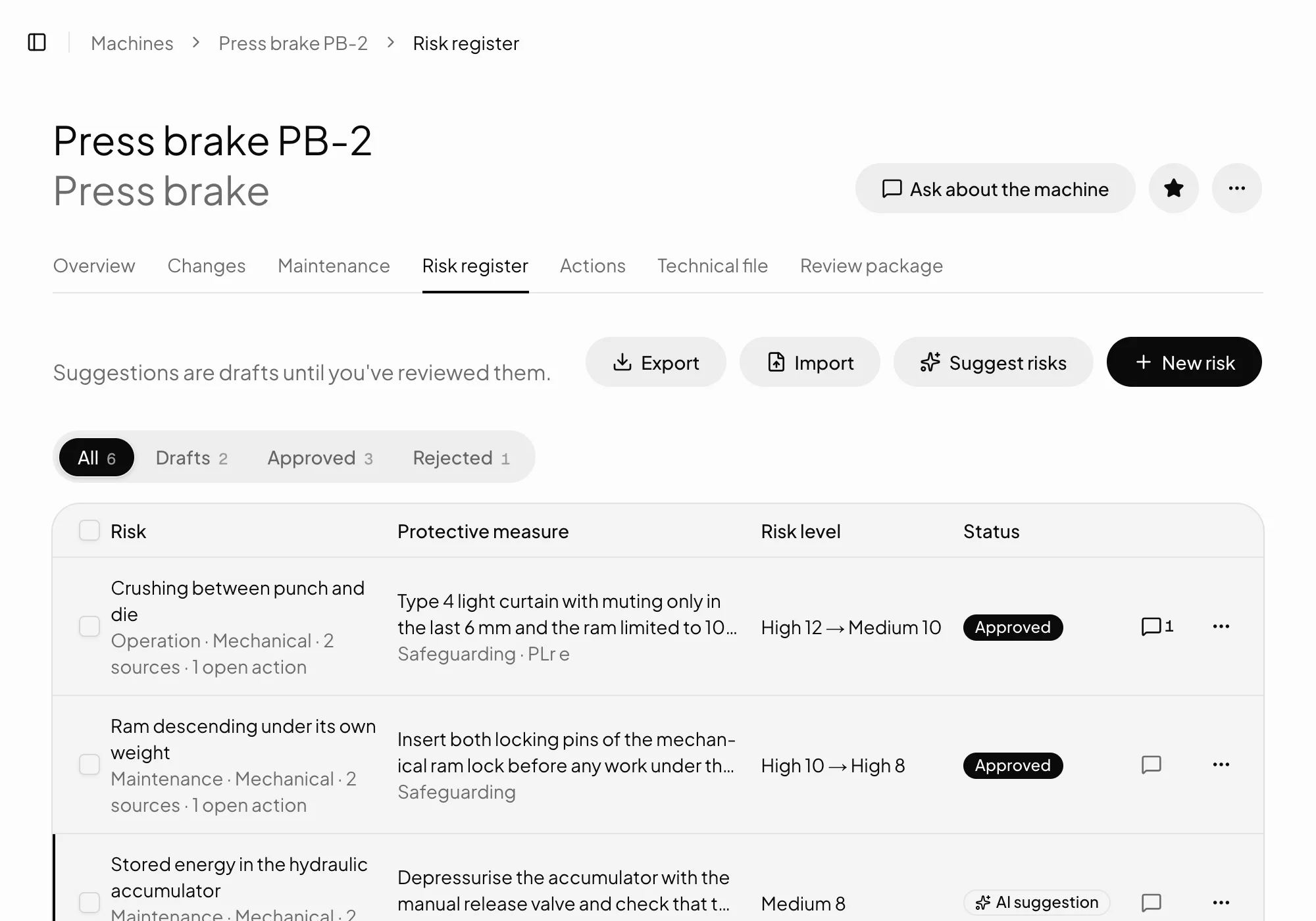
Verkio suggests hazards and protective measures from the machine's own documents, with a source for every row. You review and approve the risk register.
What's included
Suggestions from your documents
The assistant reads manuals, drawings and reports and suggests hazards with life phase, hazard type and protective measure.
A source for every row
Every suggestion shows the page or rule it rests on. One without a source shows as an assumption.
Risk before and after
The risk level before and after the protective measure, and what kind of measure it is.
You approve
Nothing counts until a person has approved it, and Verkio records who did and when.
Excel in and out
Start from a risk assessment you already have in a spreadsheet, and export the register whenever you like.
New documents checked
When a new document is uploaded, Verkio compares it with the risk assessment and shows deviations for you to review.
How it works
From documents to an approved register
01
Upload your documents
Manuals, drawings and test reports as PDF.
02
Let the assistant suggest
Hazards with life phase, hazard type, protective measure and source, as drafts.
03
Review and approve
Edit, reject or approve row by row. The register goes into the review package.
In detail
What you need to know
To EN ISO 12100
The risk assessment follows the standard's steps: the machine's limits, hazard identification, risk estimation, risk evaluation and risk reduction. Every row has a life phase, hazard type, protective measure and risk level before and after.
The standard is copyrighted, so Verkio points to its clauses instead of quoting it.
Suggestions you can check
Every suggestion shows the page of the document, or the rule, it rests on. One without a source shows as an assumption, so you know what to check at the machine.
The assistant can't see the machine. A person who knows it reviews every row, changes what's needed and approves.
Common questionsWhat people usually ask.
Does Verkio replace our risk assessment?
No. Verkio writes drafts and keeps them in order. The risk assessment is yours, and only a person can approve a row.
Can we import an existing risk assessment?
Yes, from a spreadsheet. The register can be exported whenever you like, too.
How is the risk level shown?
Before and after the protective measure, so you can see how much the measure lowers the risk.
What happens when a new document is uploaded?
Verkio compares it with the risk assessment and shows deviations, such as a source with a new version, for you to review.